How to add intro images to the Virtual Tour?
Published
•1 min readYou can add Intro image which will be opened each time user enters your Tour.
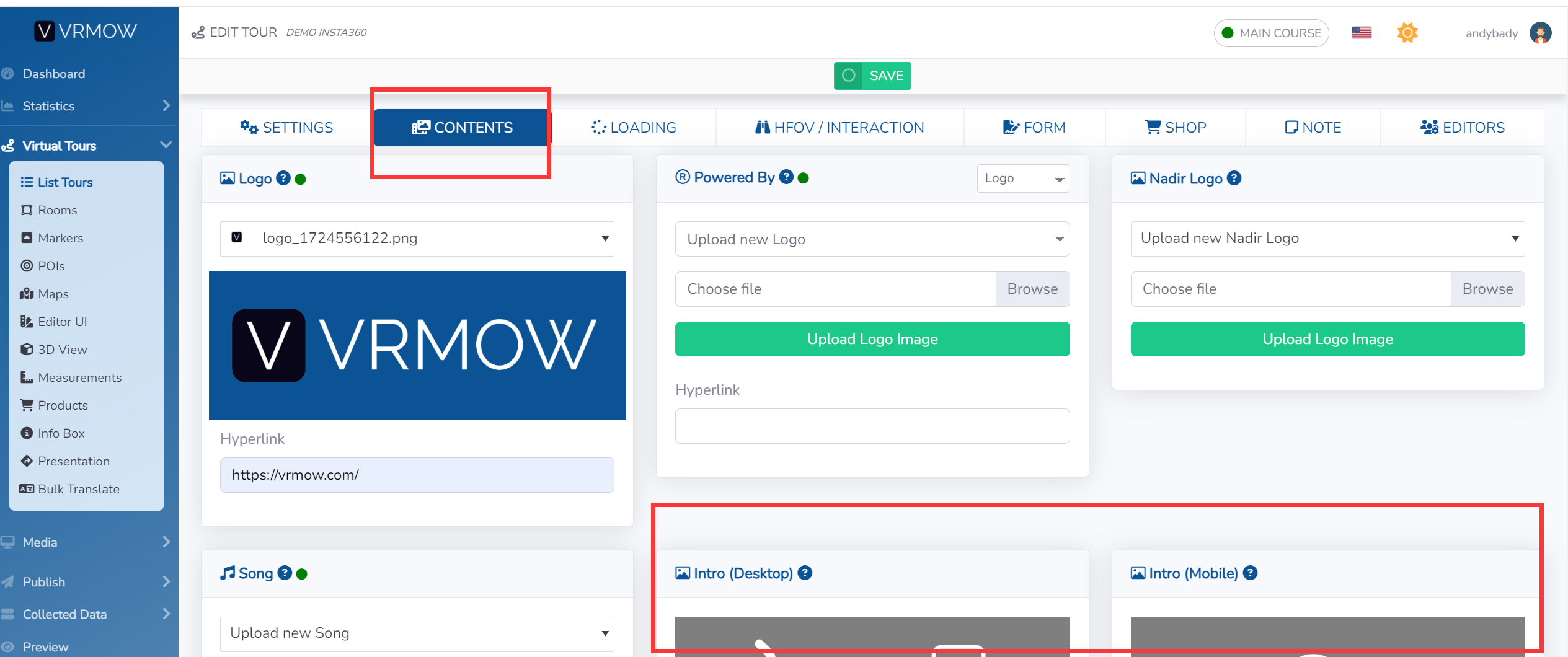
Select Virtual Tours -> List Tours from the side menu and click the Edit button on the desired tour.

Go to tab Content / Intro (Desktop and Mobile).
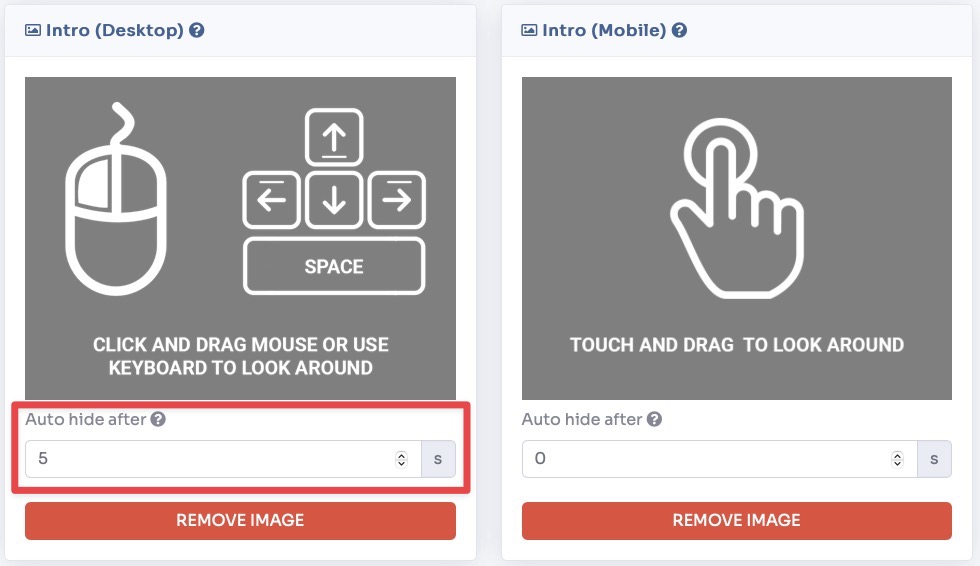
Upload the image you want to appear and set a time for which you want it to remain visible before you hide.
Click Save on top of the page.